In version 4.0.0, S3 Media Maestro supports closed captioning via VTT file. You can use services like Temi to generate the closed caption file (VTT) in order to apply it to a video.
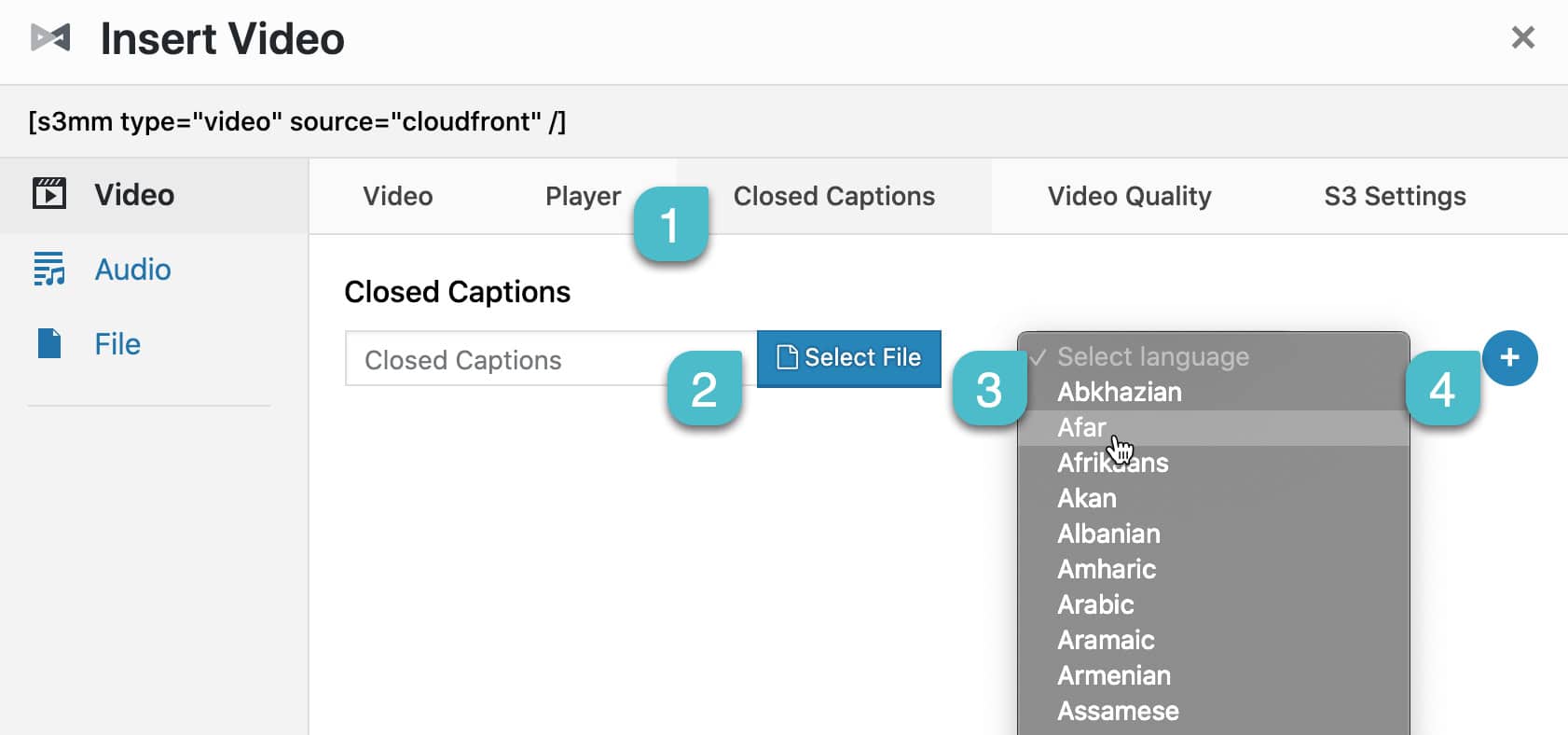
- Once you’ve selected a single video, click the Closed Captions tab.
- Click Select File in order to select or upload a VTT file.
- Select the language of the VTT file.
- If you have more than one language, click the plus symbol to add another closed caption.
Note: Closed captions are not supported with playlists.
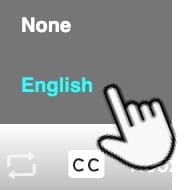
When a viewer plays a video, a closed caption toggle appears on the video player.