
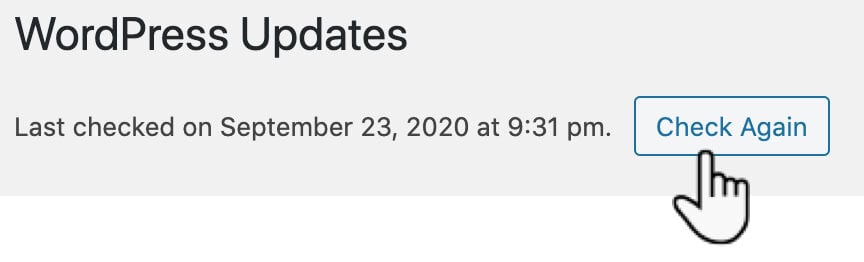
S3 Media Maestro will check in with our license server to ensure that your license is active and valid. If the license is active and valid, the update will be available as soon as a new version is released and you can update at your own discretion. If for some reason your plugin is not showing the update, click on Dashboard→Updates, then click Check Again. This will force WordPress to run an update check. The WordPress update checker is on a 12 hour interval.
If you still don’t see an update available, your license may have expired. In the member portal, open Billing: under Subscriptions, click Renew.