To install, activate, and register the plugin, simply follow these steps:
- In your WordPress admin panel, click on Plugins→Add New
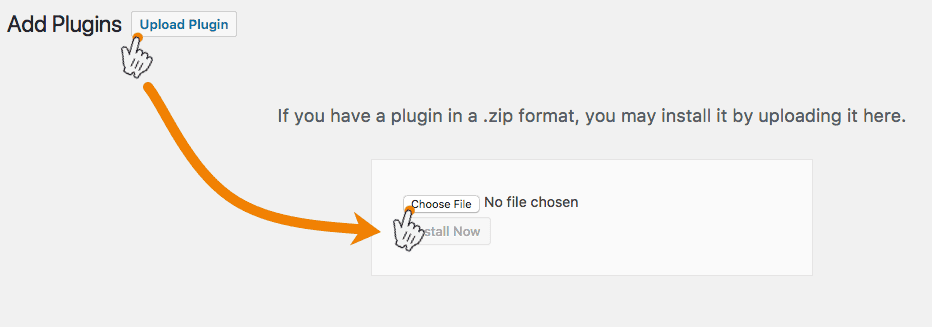
- Click the Upload Plugin button and Choose (Mac) or Browse (Windows) for the file.

-
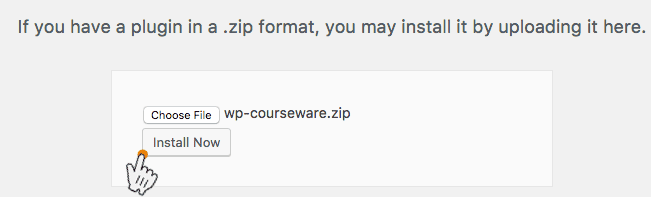
Next click Install Now.

-
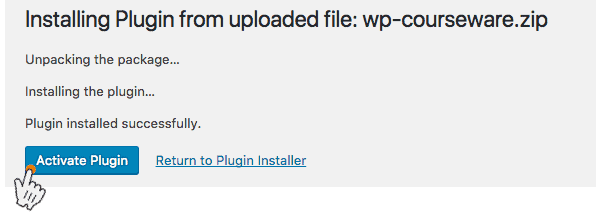
Then click Activate to activate the plugin.

-
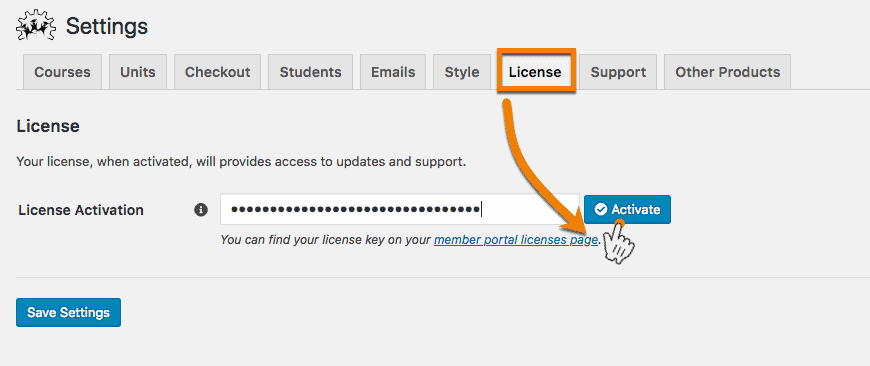
To activate your license key, simply click on WP Courseware→Settings. Insert your license key into the License Key field and click Activate. You don’t have to click Save Settings if you are only setting the license key.