
To change the color of the Previous and Next buttons:
First you can use the Customizer.
- Click on WP Courseware→Settings.
- Click on the Style tab.
- Click the Yes radio button for Customize Colors.
- Click the Unit Colors menu item on the left.
- Modify any of the colors for the Unit Prev/Next Button.
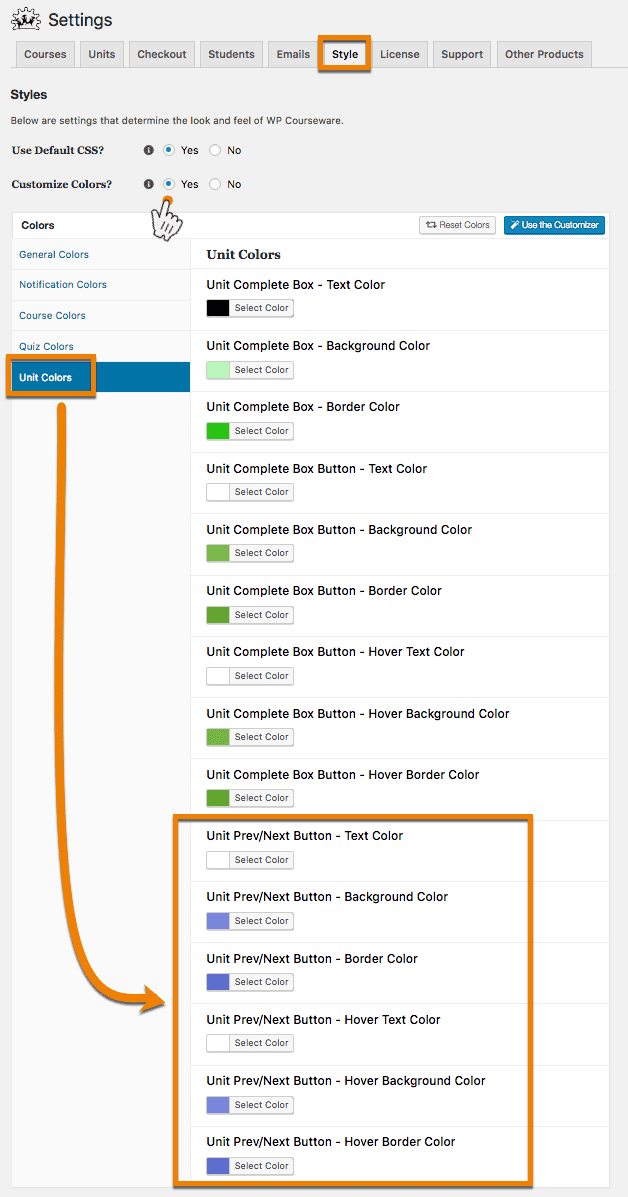 You could also click the Use Customizer button and edit the same properties via the frontend customizer.