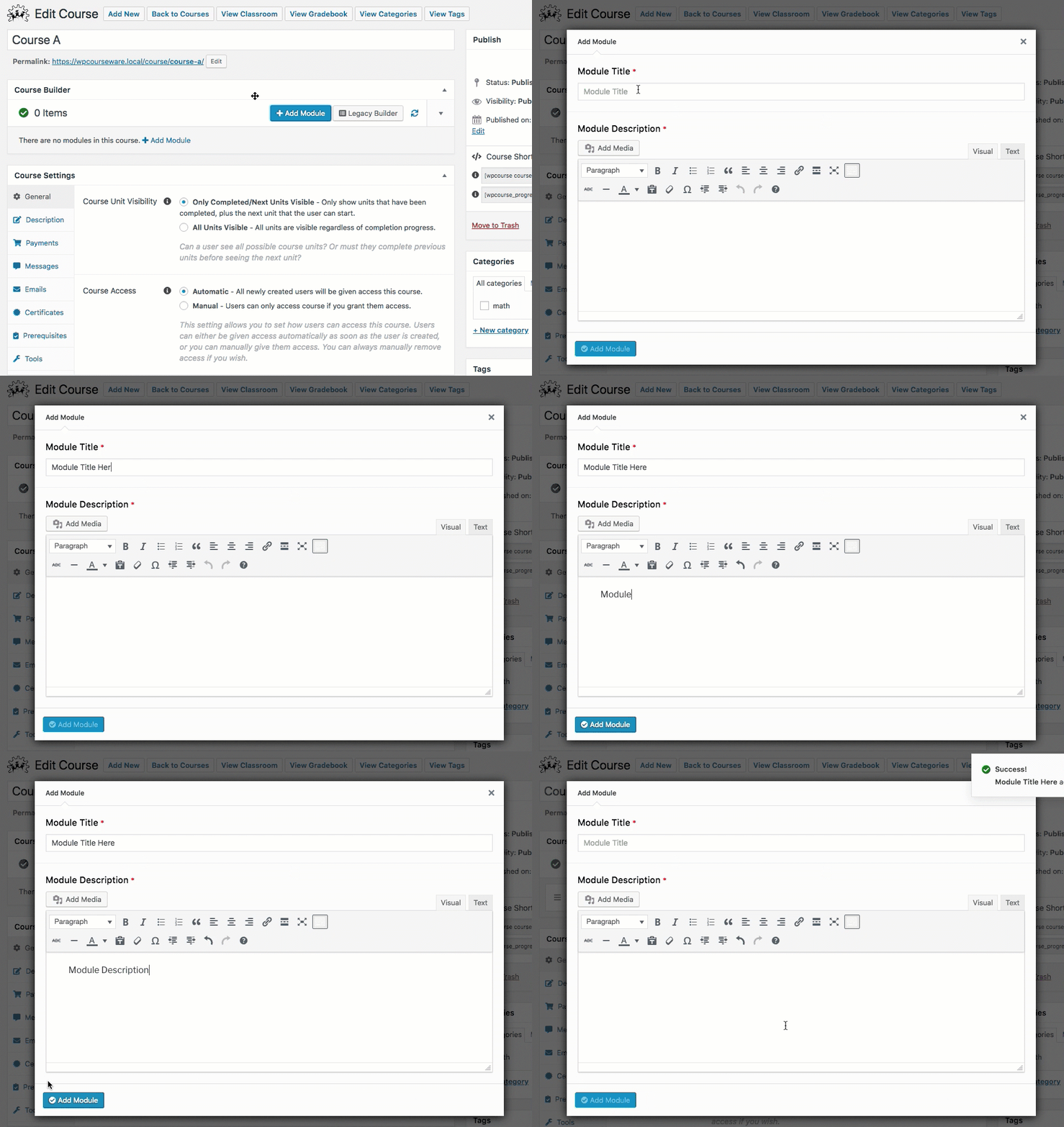
There are two ways to create a module. The course builder is the easiest and most efficient way to create a module because it will immediately be added into the course upon creation. The second way is by navigating to the Modules index page.
Create module via course builder
Create module via module index page
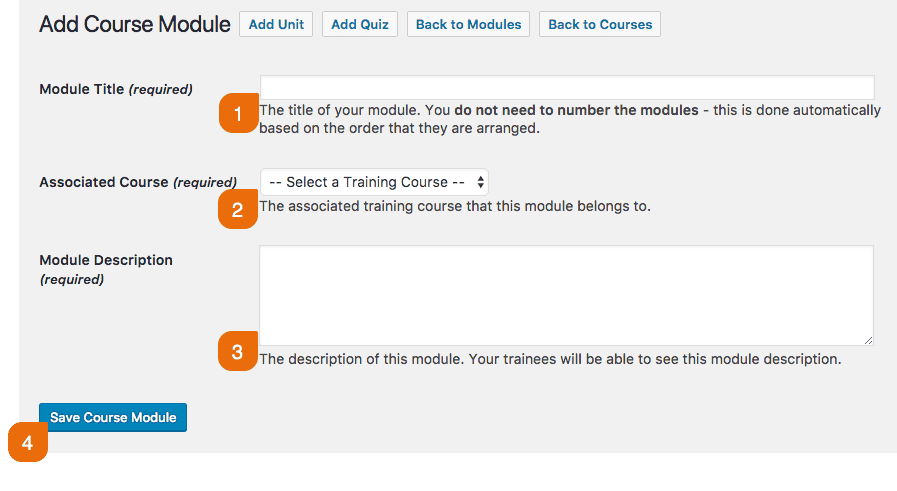
- Click on WP Courseware→Modules and click the Add New button.

- Next add a Module Title, then Select a training course to associate the module to. Add a Module Description and then click Save Course Module.


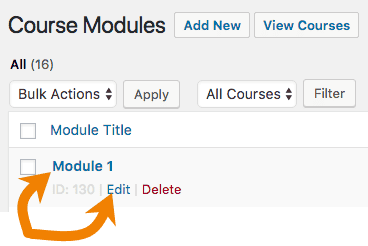
To edit a current module:
- Click on WP Courseware→Modules.
- Next you can either click the Module Title, or the Edit link below the module title.