
All licensing is based on a yearly subscription model. To receive plugin updates and support, your license must be current.
There are three licenses for WP Courseware:
- 2 site license – This will allow you to install WP Courseware on 2 WordPress sites.
- 10 site license – This will allow you to install WP Courseware on 10 WordPress sites.
- 25 site license – This will allow you to install WP Courseware on 25 WordPress sites.
A license must be activated on your website to ensure you receive updates. If you’ve reached your license’s site limit, you will not receive updates on additional sites. If your license is expired or blocked, you will not receive updates nor will you be able to get support. An expired license simply means that you need to renew your license for another year. You can activate your license on the WP Courseware→Settings page, in the License tab.
On a multisite network, each site you activate counts as one site.
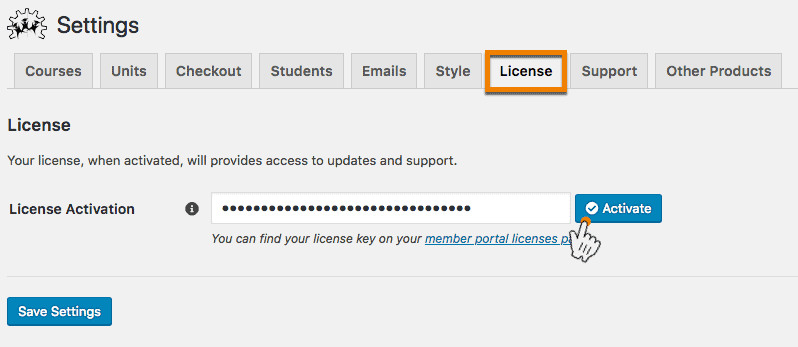
Lost your key? See I lost my license key. How do I retrieve it?. Activation problems? See Why can’t I activate my license key?
Note: WP Courseware is not for resale, licenses can not be resold.